
Badgertop
Two honey badgers. Zero cares.
Two pixel honey badgers move onto your Mac. They climb your windows, build ladders out of sticks, dig tunnels, grow old – and they really, truly do not care.
⬇ Download for Mac ☕ Upgrade or support
Just for calm
Badgertop is just a little something for long days at the computer – a small distraction when you need one.
They won't create anything for you. They won't cook your dinner. They'll just be there, climbing your windows – and hopefully you'll be glad they're keeping you company.
Live on a real Mac
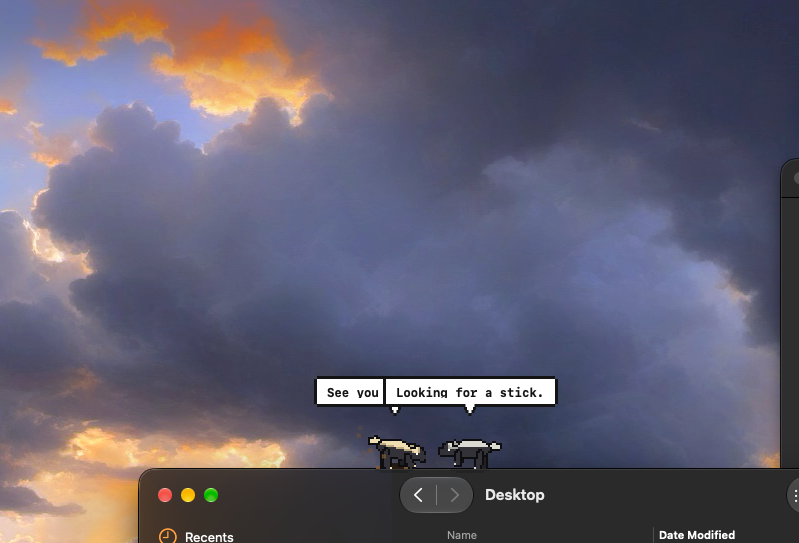
They talk, look for sticks and build whatever they need to get where they want.

What they do
No setup. They climb out of their burrow and get to work.

Climb everything
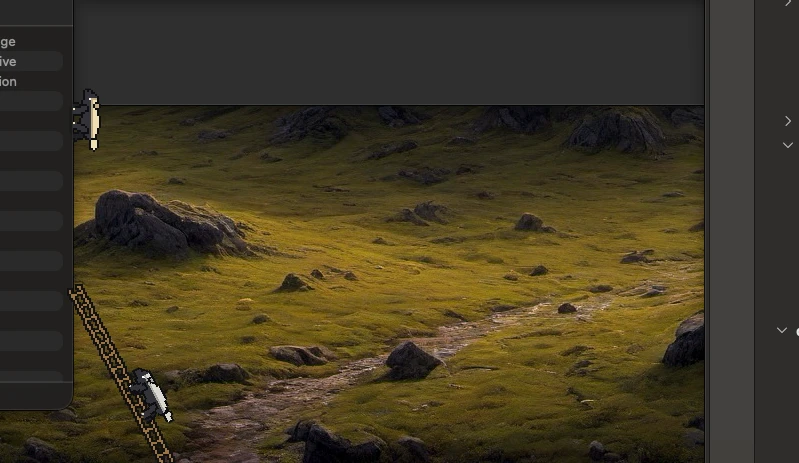
Window edges, sides, undersides and the Dock. They swing over corners and leap between windows.
Build and dig
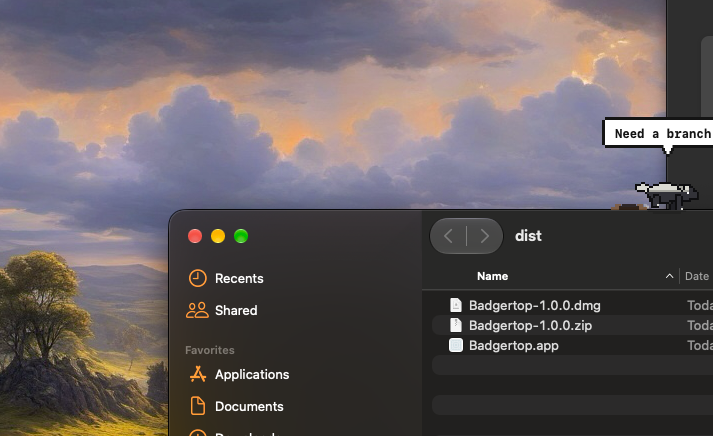
Ladders, branches and bridges between windows. Tunnels from one window into another.
Play together
Tag, dust-cloud fights, head bonks, hide and seek and little conversations.
They live
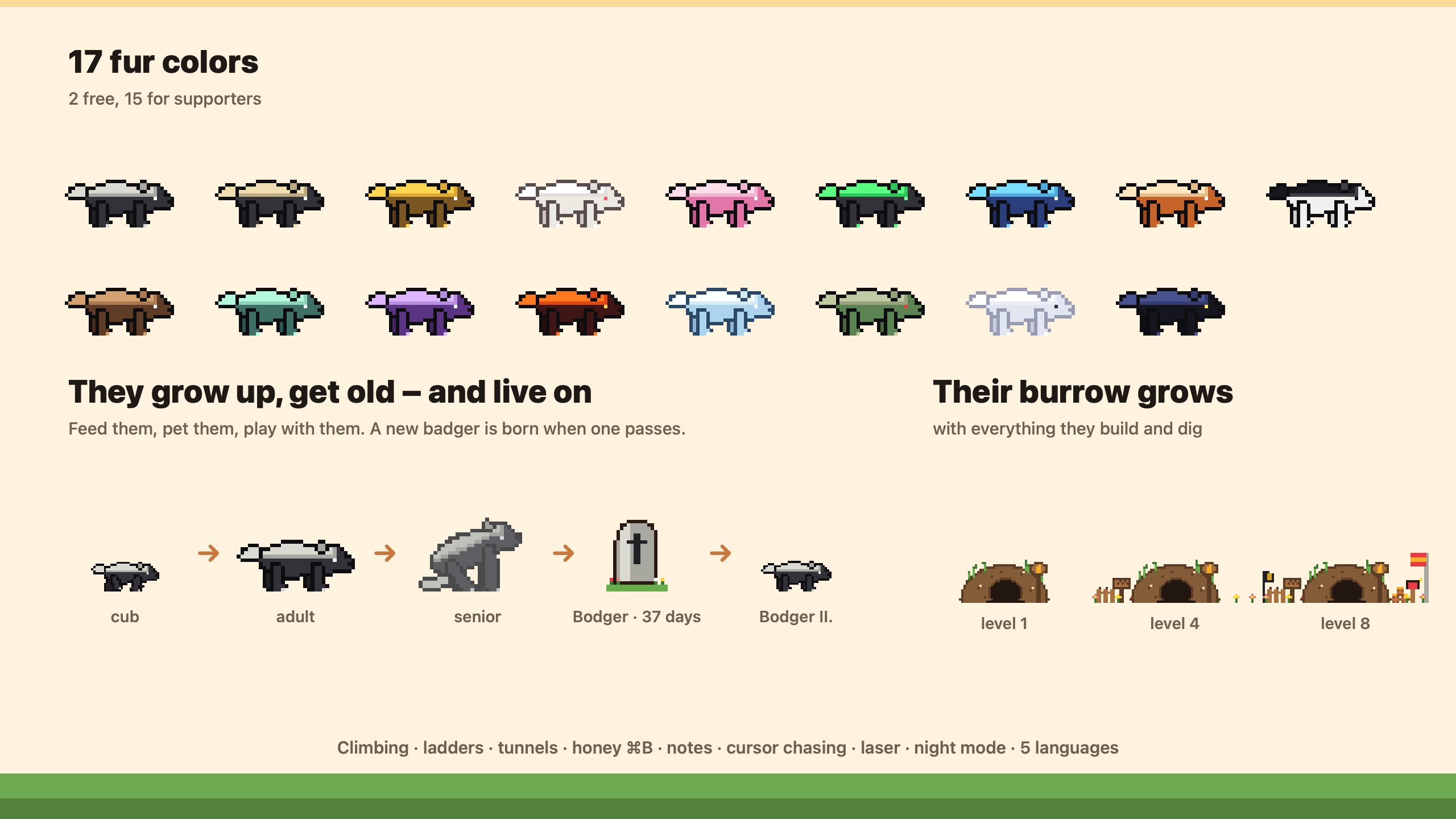
They grow up, get grey and one day pass away. A little grave appears – and a new badger is born.

Need care
Honey (⌘B), petting and play keep them healthy. A daily streak makes them live longer.

Grow a home
Their burrow grows with their work: a sign, flowers, a fence, a flag, a mailbox, a lantern.
Free. Bonuses for any coffee.
Everything above is free forever. Support with any amount and you get an unlock code instantly.
Free
- Two badgers
- Climbing, building, tunnels
- Life cycle, burrow, honey
- Reminder notes
- 2 fur colors, English
Supporter
Card, Apple Pay, Google Pay or PayPal
For Apple Pay, open it in Safari – Chrome doesn't show it.
- 15 extra fur colors
- The cub that copies its parents
- Food from nature – trees, worms, moles
- Czech, German, Spanish, French
- Settings for almost everything, custom names
Install
Takes a minute. macOS will complain once – that's expected.
Questions
Is it private?
Badgertop reads only window positions and the name of the active app – never window contents or what you type. Its only network request is a daily check for a new version on GitHub.
How do updates work?
Once a day it checks for a new release. When there is one, a badger brings you a note – click it to download.
Will it slow my Mac down?
No. It uses a few percent of one CPU core and sleeps in its burrow when you're away.
They're in the way – can I hide them?
🦡 menu → Hide everything. They also hide automatically in full-screen apps.
How do I uninstall it?
Quit it from the 🦡 menu and drag Badgertop from Applications to the Trash.
Windows version?
Not yet. Maybe one day.